Missing Approvals
Control who signs off on what, in every subsidiary
ExampleLet your CFO approve large purchase orders
Route every PO over $50,000 to your CFO, with the right thresholds and a full audit trail, without breaking the approval workflows you already run.
Approval rules drift. Your controls shouldn't.
Most NetSuite approval workflows were set up once, during implementation, and patched ever since. New subsidiaries, new thresholds and new approvers get bolted on, until nobody can say for sure who approves what.
Splotch maps every workflow, role and script that touches a purchase order before it changes anything. You see the blast radius first, then make the change as a versioned, reviewable plan.
In the demo
- Describe the goal in plain English: POs over $50k need CFO sign-off.
- Splotch finds every workflow, saved search and script on the purchase order record.
- Review the change plan and its blast radius before anything moves.
- Approve it, ship it to sandbox, then to production, with a version you can roll back.
“This is how ERPs should work.”


One example of many
The same approach works for other problems like this, such as:
- Vendor bill approvals by amount or department
- Journal entry approvals for period close
- Expense report routing by manager hierarchy
- Segregation-of-duties checks on approver roles
Two more demos
Slow Performance
ExampleFind out why your sales order flow is so slow
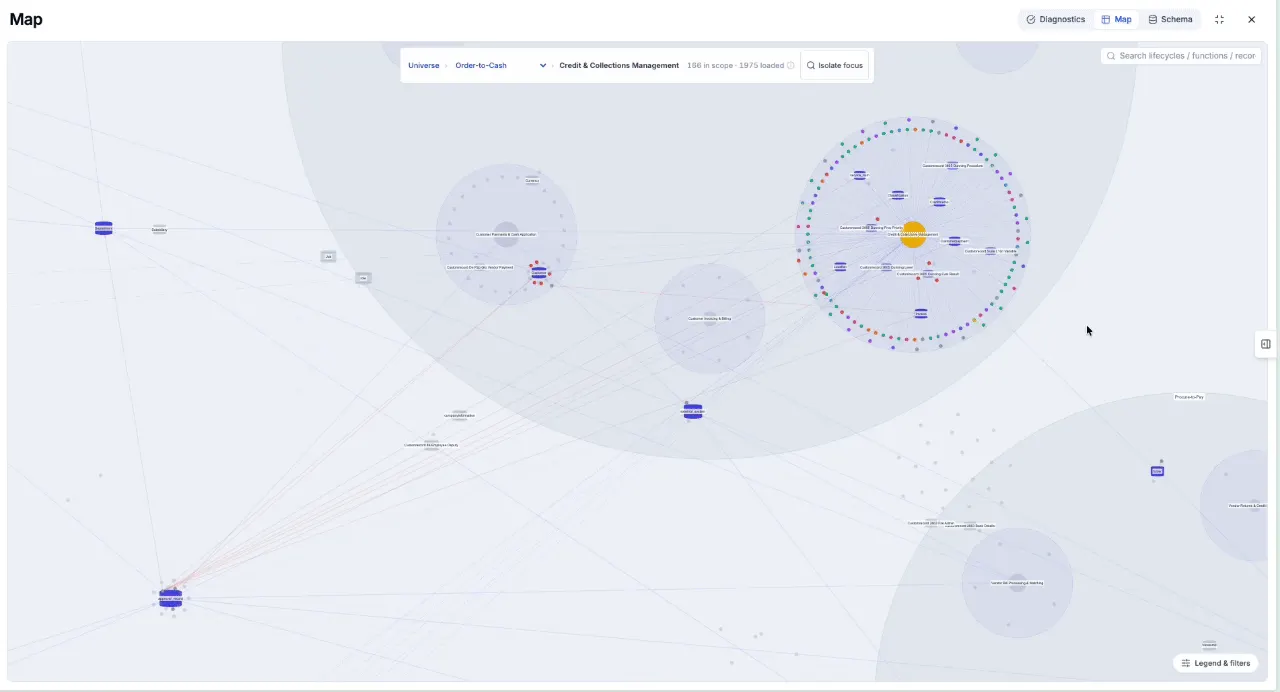
Saving a sales order shouldn't take 40 seconds. Trace every script and workflow that fires on save, find the bottleneck and fix it safely.
Watch the demo →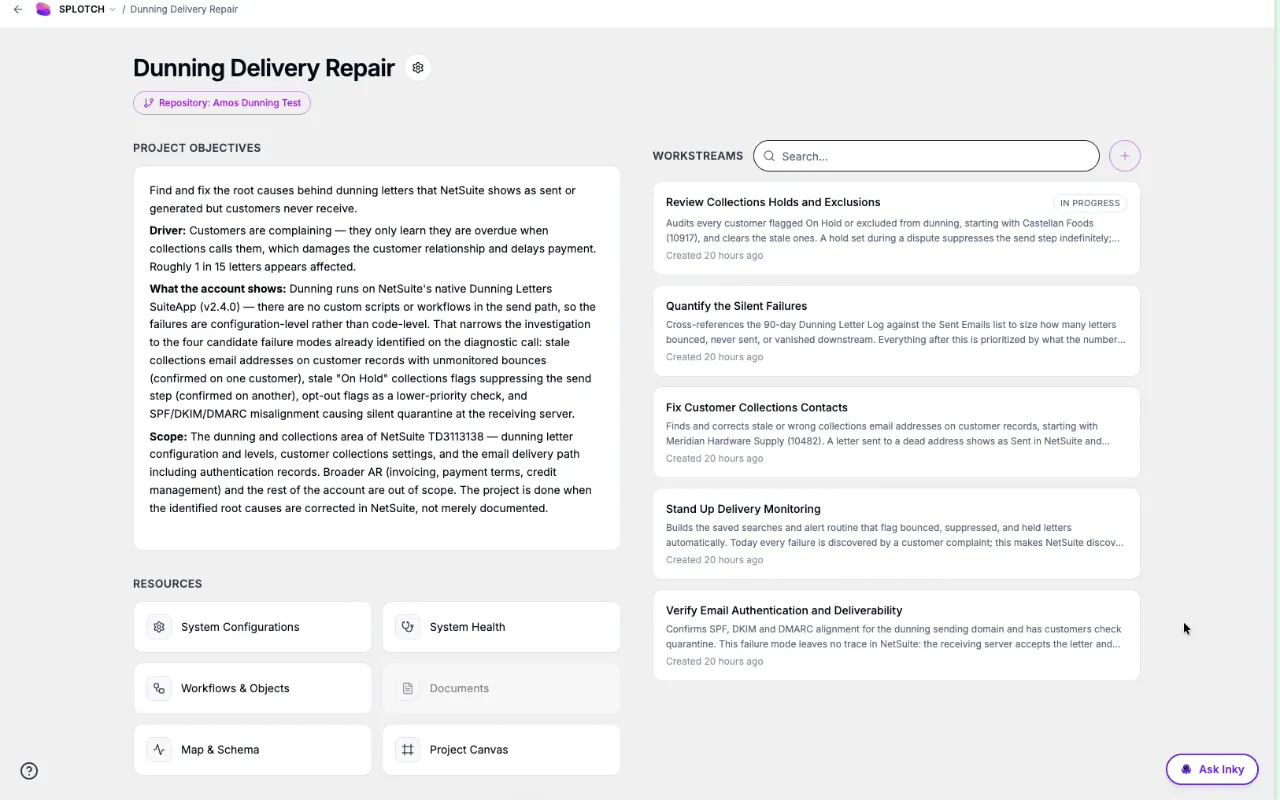
Manual Work
ExampleAutomate your AR collections
Stop chasing overdue invoices by hand. Build dunning reminders, escalations and credit holds on top of the NetSuite you already have.
Watch the demo →See it on your NetSuite.
30 minutes with Joshua or Kevin. Bring your version of this problem and we'll walk through how Splotch would handle it.